Table of Contents
If you’re an indie author or self-publisher ready to give your book a professional edge without spending hundreds on a designer, an editable Canva book cover template pack is exactly what you need. These packs deliver ready-to-use, high-quality designs that you can tweak in minutes using Canva’s intuitive interface. Whether you’re launching your first novel or expanding a series, the right editable Canva book cover template pack saves time, cuts costs, and helps your book stand out on Amazon, Kindle, or any platform.
Why an Editable Canva Book Cover Template Pack Beats Starting from Scratch
Designing a book cover from a blank canvas can feel overwhelming, especially if design isn’t your strong suit. That’s where an editable Canva book cover template pack shines. You get multiple polished layouts already sized for popular formats like Kindle eBooks, paperbacks, or even hardcovers. The templates come pre-loaded with eye-catching elements—fonts, color schemes, and imagery—that align with current market trends. Best of all, everything stays fully customizable, so you maintain full creative control while skipping the steep learning curve.
Authors love these packs because they deliver consistent results fast. Instead of hours hunting for stock photos or struggling with layers, you simply drag, drop, and edit. This approach works beautifully for busy writers who want covers that look custom-made without the custom price tag.
Key Features to Look for in a Quality Editable Canva Book Cover Template Pack
Not all packs are created equal. When shopping for an editable Canva book cover template pack, focus on these must-have elements to ensure you get real value:
- Variety of designs: Aim for at least 20–30 unique templates covering different moods and genres so you can match your book’s tone perfectly.
- Easy Canva integration: Direct template links that open straight in your free Canva account—no extra software required.
- Optimized dimensions: Pre-set sizes for Amazon KDP, IngramSpark, or standard eBook specs like 1600×2560 pixels for Kindle.
- Commercial license included: Clear rights to use the covers for your published books or client projects.
- High-resolution elements: Sharp images and graphics that print or display crisply on any device.
These features turn a simple download into a powerful tool that grows with your publishing journey.
How to Customize Your Editable Canva Book Cover Template Pack Step by Step
Getting started is surprisingly simple. Once you grab your editable Canva book cover template pack, follow this straightforward process:
- Download the PDF guide that comes with your pack—it contains all the direct Canva links.
- Click any link to open the template in Canva.
- Replace placeholder text with your book title, subtitle, and author name using fonts that match your genre.
- Swap in your own images or use Canva’s free library to adjust colors and backgrounds.
- Preview the cover at actual size, make final tweaks, and export as PNG or PDF for upload.
The beauty of an editable Canva book cover template pack is how forgiving it is. You can experiment endlessly without ruining the original design—Canva saves every version automatically.
Tips for Fiction Genres in Your Canva Book Cover Templates
Fiction covers need to hook readers instantly. For romance, lean into soft lighting and elegant typography. Mystery and thrillers pop with dark contrasts and bold headlines. Fantasy templates often shine with ethereal effects or symbolic icons. Whatever your subgenre, the pack’s built-in layouts already guide you toward what sells. Test a few variations side-by-side to see which one best captures your story’s vibe.
Free vs Paid Editable Canva Book Cover Template Pack: Which Should You Choose?
Free templates scattered across the web can get you started, but they often lack cohesion or come with usage restrictions. A premium editable Canva book cover template pack, on the other hand, offers coordinated designs, better support, and exclusive elements you won’t find elsewhere. The small one-time investment pays off quickly through faster launches and stronger sales. Many authors report that professional-looking covers from a solid pack boost click-through rates on retail sites by noticeable margins.
Common Mistakes to Avoid When Using Canva Book Cover Templates
Even with the best pack, a few pitfalls can weaken your final result. Overcrowding the design with too many elements makes it feel busy. Ignoring your target audience’s expectations—such as using pastel colors for a gritty thriller—can confuse buyers. Always check the final cover at thumbnail size; it must remain readable and compelling when small. Finally, double-check your export settings so the file meets your publisher’s exact requirements.
Advanced Customization Ideas to Make Your Covers Truly Unique
Once you’re comfortable with the basics, level up your editable Canva book cover template pack with these creative touches. Add subtle gradients for depth, incorporate hand-drawn textures for a premium feel, or layer transparent overlays that hint at your plot without spoiling it. You can even create matching series designs by reusing one template across multiple books with slight color variations. These small touches help your book feel part of a professional collection rather than a one-off project.
Grab Your Editable Canva Book Cover Template Pack from My Etsy Shop
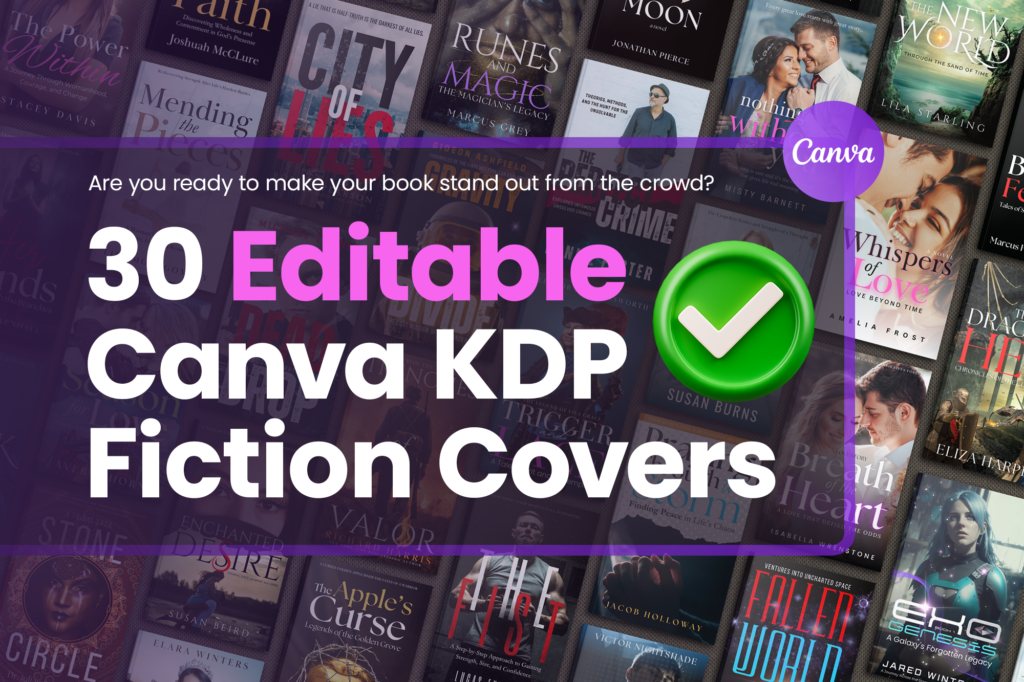
If you’re ready to skip the guesswork and start creating right away, my Etsy shop has exactly what you need. At BookCoverMall, I specialize in premium editable Canva book cover template packs designed for indie authors like you. Every pack includes instant-download PDFs with direct Canva links, genre-specific layouts, and full commercial rights so you can publish with confidence.
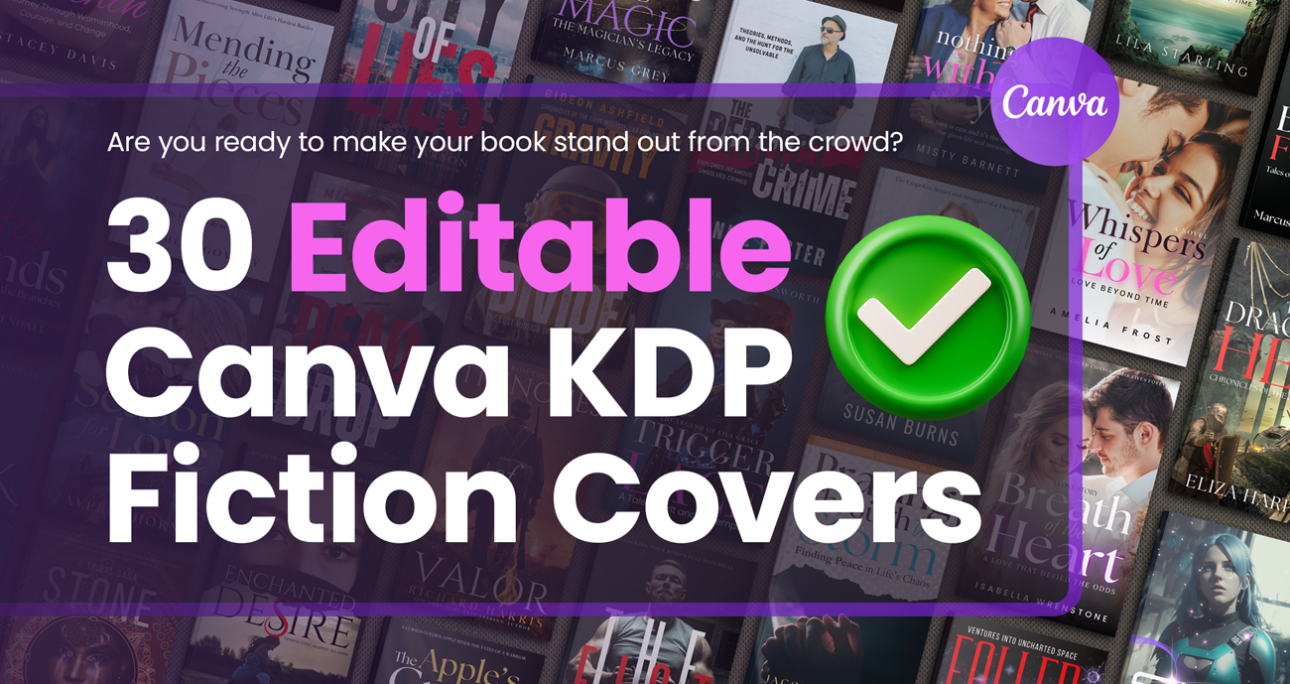
Browse the full collection, including the popular 30-template fiction pack, and find the perfect match for your next book. The shop is updated regularly with fresh designs tailored to what’s selling best on Amazon KDP and beyond.
Visit BookCoverMall on Etsy now and get your editable Canva book cover template pack today—your professional-looking book cover is just a few clicks away.
Ready to transform your next book launch? An editable Canva book cover template pack puts professional design power directly in your hands. Start browsing trusted options today, pick one that speaks to your genre, and watch how quickly your vision comes to life. Your readers will thank you for it.
Frequently Asked Questions About Editable Canva Book Cover Template Packs
Do I need Canva Pro to use these templates?
No. The free version of Canva works perfectly for most packs, though Pro unlocks extra premium elements if you want them.
Are these templates suitable for print books or only eBooks?
Most high-quality packs include options for both. Just confirm the dimensions match your chosen trim size before editing.
How many covers can I create from one pack?
As many as you like for personal or commercial use—unlimited projects under the standard license.
Ready to transform your next book launch? An editable Canva book cover template pack puts professional design power directly in your hands. Start browsing trusted options today, pick one that speaks to your genre, and watch how quickly your vision comes to life. Your readers will thank you for it.