If you’re looking to create a stunning fantasy book cover without spending hours designing from scratch, you’re in the right place.
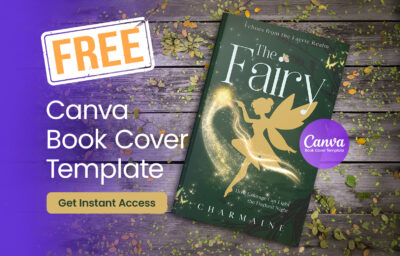
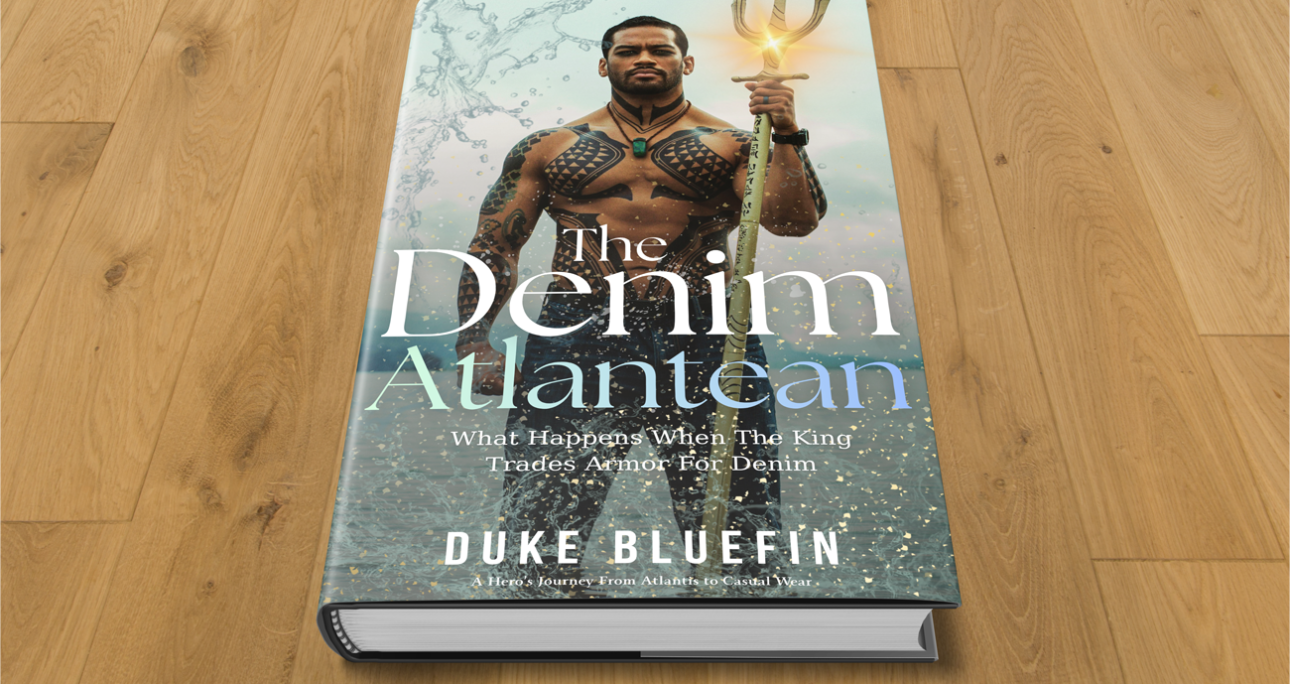
In this post, I’m giving away a free fantasy book cover template in Canva—the exact design I created in my YouTube tutorial.
Whether you’re an author, designer, or beginner, you can customize this template in minutes.
🎥 Watch the Full Tutorial
I recorded the full process step-by-step so you can follow along and see exactly how the design was created.
Watch the video here and then grab the template below.
🎁 Download the Free Canva Template
Here’s the free fantasy book cover template:
👉 Download Your Free Template Here
✨ What You Get
- A professionally designed fantasy book cover
- Fully editable in Canva (no Photoshop needed)
- Drag-and-drop customization
- Ready for Amazon KDP or digital use
🛠️ How to Customize the Template
Once you open the template in Canva:
1. Change the Title
Replace the placeholder text with your book title.
2. Update the Author Name
Add your name or pen name.
3. Swap the Image (Optional)
You can:
- Keep the current fantasy scene
- Or replace it with your own image
👉 Tip: Search Canva for fantasy, magic, or dragon.
4. Adjust Colors and Effects
Use Canva’s Adjust and Effects tools to match your theme.
💡 Final Tip
Don’t overthink your design.
Start with a solid template, customize it, and publish your book faster.
You can always improve your cover later—but getting your book out there is what matters most.
🚀 Want More Book Cover Templates?
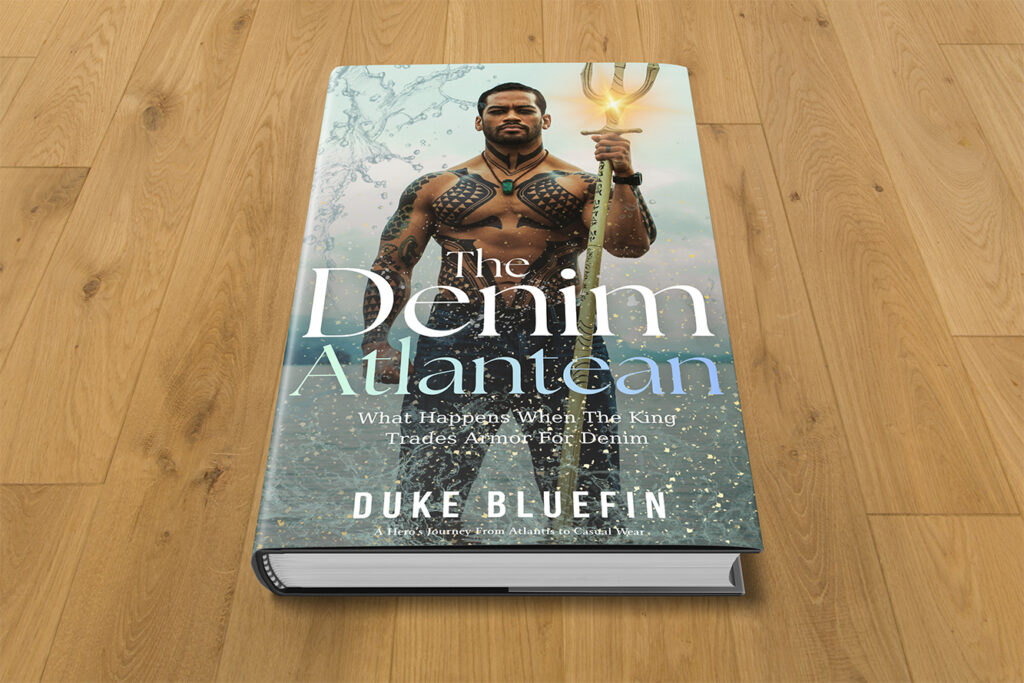
Check this other fantasy book cover template that you can download for FREE.