Table of Contents
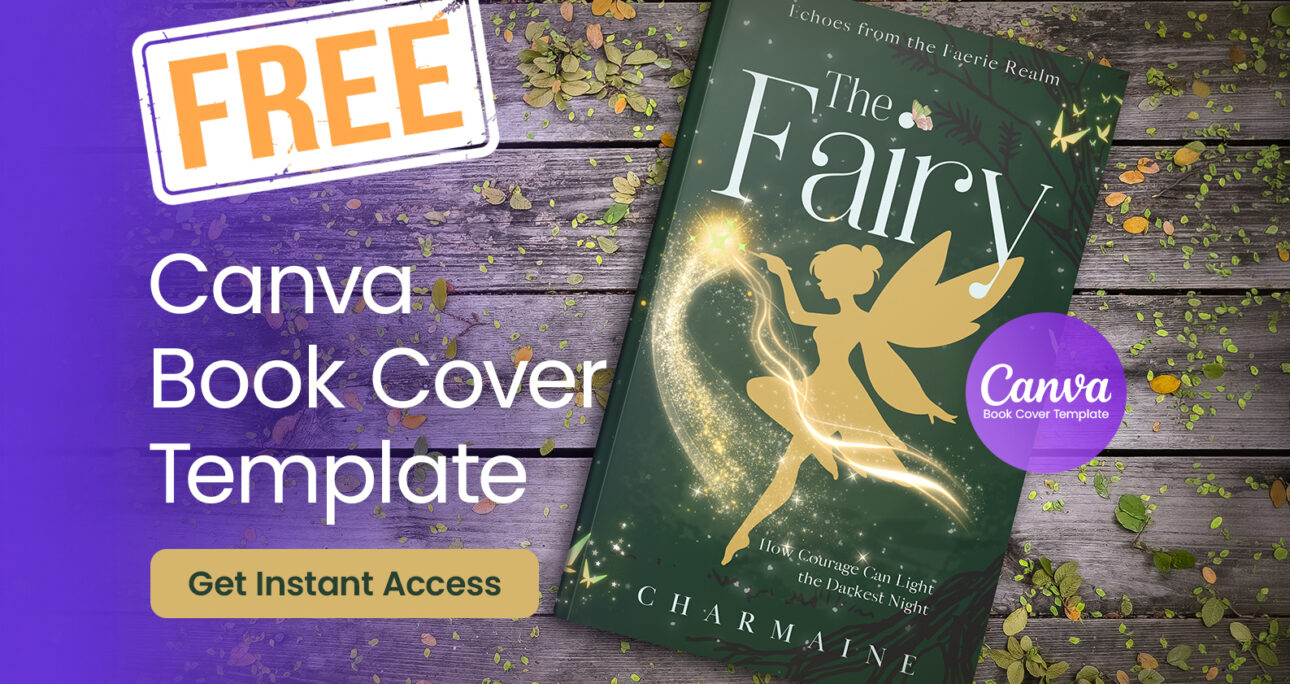
If you are looking for a Free Canva Book Cover Template, you’re in the right place. I’m excited to share a special design that was recently selected as one of the winners in the Canva One Element Design Challenge, and today I’m making it available as a free Canva book cover template for authors and designers.
The design was created using a single fairy graphic element provided by Canva, which served as the main inspiration for the entire cover. The challenge required designers to build a complete design using only one provided element, encouraging creativity and thoughtful composition.
In this article, I’ll share the story behind the design, the creative process, and how you can download and customize this Free Canva Book Cover Template for your own book project.
The Canva One Element Design Challenge
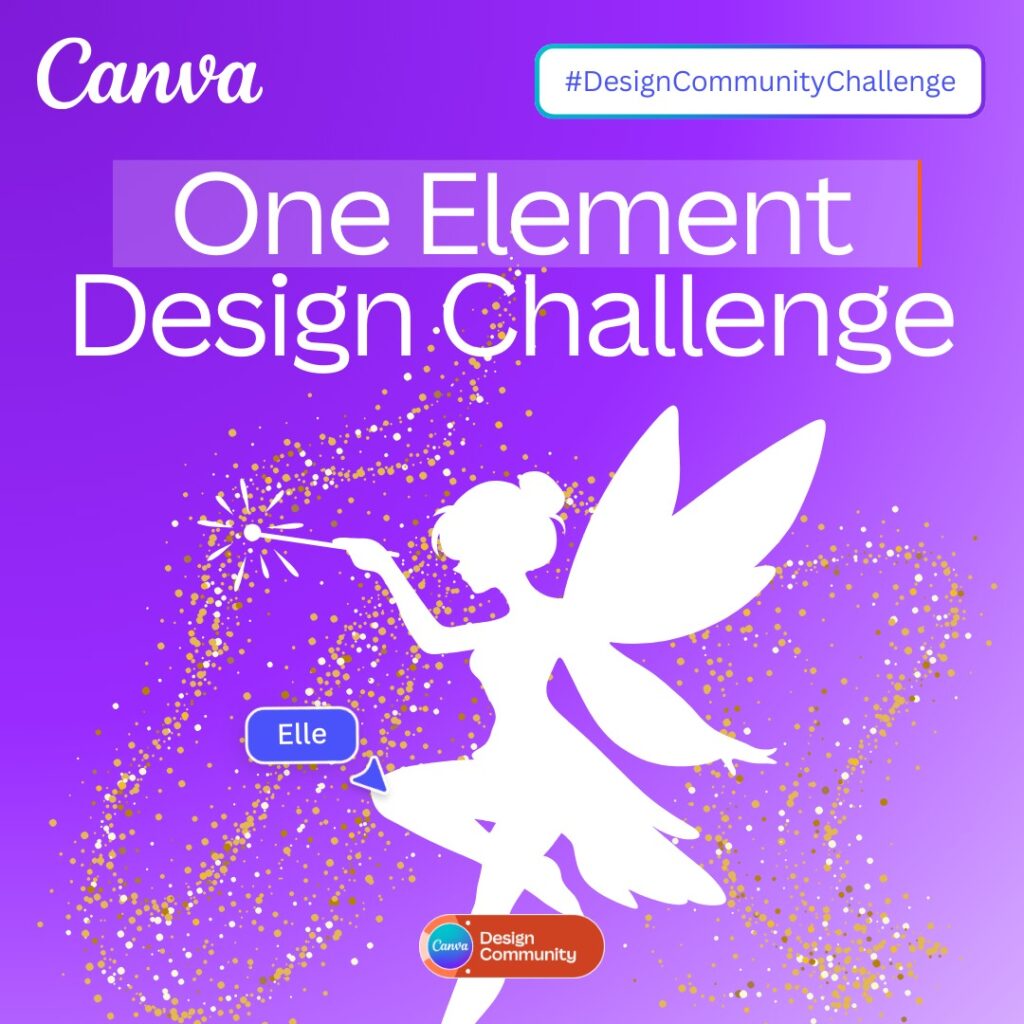
The Canva One Element Design Challenge is a creative competition where designers are given one graphic element by the Canva team and asked to create a complete design using that element as the focal point.
Instead of relying on many graphics or complex compositions, the challenge encourages designers to think about:
- visual hierarchy
- layout balance
- typography
- creative storytelling
For this challenge, the Canva team provided a fairy illustration as the single required element.
Designers had to build an entire design concept around this fairy graphic.
I decided to transform the element into a Free Canva Book Cover Template that authors could easily customize for their own books.
Turning One Fairy Element Into a Free Canva Book Cover Template
When I first saw the fairy illustration, I immediately imagined it as the centerpiece of a book cover.
Fairies are often associated with:
- magical worlds
- fantasy adventures
- imagination
- transformation
These themes make them perfect for book covers, especially for genres like:
- fantasy novels
- young adult fiction
- children’s books
- inspirational stories
My goal was to create a Free Canva Book Cover Template that felt magical while still looking professional and clean.
The Design Strategy Behind the Template
Designing a professional book cover requires more than just placing an image on the page. A strong cover should guide the viewer’s eye and communicate the theme of the book.
For this Free Canva Book Cover Template, I focused on three core design principles.
Strong Focal Point
The fairy illustration needed to remain the primary focal point of the design. Instead of surrounding it with too many elements, I kept the layout clean so the fairy could stand out.
Clear Typography Hierarchy
A book cover should immediately communicate the title and author name.
This template uses a simple but effective typography structure:
- Title at the top
- Image in the center
- Author name at the bottom
This layout follows many successful book cover designs used by publishers.
Balanced Composition
The fairy graphic is positioned to create a balanced composition that feels professional and visually pleasing.
Even though the challenge limited the design to one element, thoughtful placement and spacing helped transform it into a polished Free Canva Book Cover Template.
Why I’m Sharing This Free Canva Book Cover Template
At Bookcovermall, my mission is to help authors create professional book covers without expensive tools or complicated software.
Many self-publishing authors struggle with cover design because they may not have graphic design experience.
That’s why Canva templates are so powerful.
By offering a Free Canva Book Cover Template, authors can:
- create professional covers quickly
- save money on design costs
- experiment with different ideas
- launch their books faster
This template is my way of supporting authors who want to bring their stories to life.
Features of This Free Canva Book Cover Template
This Free Canva Book Cover Template was designed to be simple, flexible, and easy to customize.
Here are some of its key features.
Fully Editable in Canva
You can edit the template directly in Canva without any advanced design skills.
Professional Layout
The design follows industry book cover standards for layout and visual hierarchy.
High-Quality Fairy Illustration
The fairy graphic adds a magical and eye-catching visual element.
Flexible for Multiple Genres
Although designed with fantasy in mind, this Free Canva Book Cover Template can also work for:
- fantasy novels
- children’s books
- inspirational books
- young adult fiction
How to Use This Free Canva Book Cover Template
Customizing this Free Canva Book Cover Template takes only a few minutes.
Step 1: Open the Template
Click the template link and open it in Canva.
Step 2: Edit the Text
Replace the placeholder text with your own book title, subtitle, and author name.
Step 3: Customize Colors or Fonts
You can easily change colors or fonts to match your book’s theme.
Step 4: Download Your Cover
Export the finished design as a high-resolution PNG or PDF for publishing.
Why Canva Book Cover Templates Are Perfect for Self-Publishing Authors
Canva has made professional design accessible to everyone.
Instead of learning complicated software, authors can use drag-and-drop tools to customize templates quickly.
With a Free Canva Book Cover Template, you can:
- design covers without hiring a designer
- experiment with creative ideas
- produce professional-looking book covers
This is one of the reasons I enjoy creating templates for authors.
My Mission at Bookcovermall
Winning the Canva One Element Design Challenge was an exciting milestone, but more importantly it reminded me why I started Bookcovermall.
My goal is to help authors and creators access professional design tools and templates that make publishing easier.
That’s why I regularly create and share:
- free Canva templates
- book cover design resources
- helpful tips for self-publishing authors
This Free Canva Book Cover Template is part of that mission.
Access the Free Canva Book Cover Template
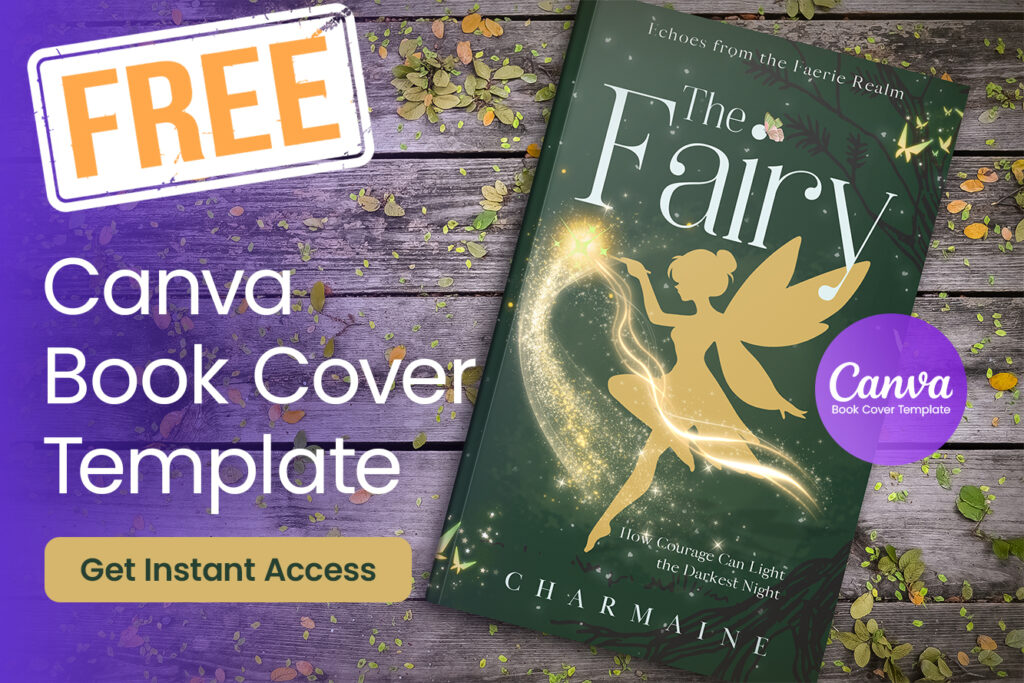
You can now download this Free Canva Book Cover Template and customize it for your own book.
Whether you’re writing a fantasy story, designing a children’s book, or experimenting with book cover ideas, this template will help you create a beautiful and professional book cover quickly.
Final Thoughts
The Canva One Element Design Challenge showed how creativity can flourish even when working with simple limitations.
By focusing on a single fairy illustration, I was able to transform it into a complete Free Canva Book Cover Template that authors can use and customize.
I hope this template helps you create a cover that brings your story to life.
If you’re looking for more designs, check out our full collection of free Canva book cover templates available here on Bookcovermall.
FAQ: Free Canva Book Cover Template
Where can I find a free Canva book cover template?
You can download a free Canva book cover template directly from Bookcovermall. The template is fully editable in Canva and allows authors to customize the title, subtitle, and author name in minutes.
Can I use a free Canva book cover template for commercial books?
Yes. Most Canva templates can be used for commercial projects as long as you follow Canva’s content license. This means you can publish books using a free Canva book cover template and sell them on platforms like Amazon.
Are Canva book cover templates good for self-publishing?
Yes. Many self-publishing authors use Canva book cover templates because they are easy to customize and require no advanced design skills.
How do I customize a Canva book cover template?
Simply open the template in Canva, replace the text with your book title and author name, adjust colors if desired, and export the design as a high-resolution file.